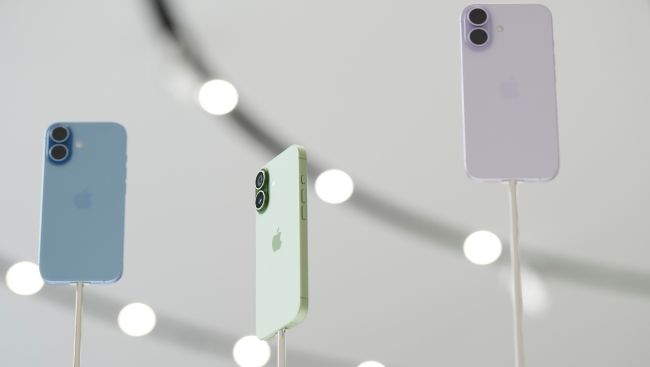
iPhone users have a new tool to combat the scourge of nuisance phone calls: a virtual gatekeeper that can screen incoming calls from unknown numbers.
It's among the bevy of new features that Apple rolled out with last month's release of iOS 26. The screening feature has been getting attention because of the ever-increasing amount of robocalls and spam calls that leave many phone users feeling harassed.
Here's a run-through of the new function:
How to activate call screening
First, you'll need to update your iPhone's operating system to iOS 26, which is available to the iPhone 11 and newer models.
To switch call screening on, go into Settings--Apps—Phone. Scroll down and you'll find a new option: Screen Unknown Callers.
You'll be presented with three choices. The Never option lets any unknown call ring through, while Silence sends all unidentified numbers directly to voicemail. What you want to tap is the middle option: Ask Reason for Calling.
If the option isn't there, try restarting your phone.
I still couldn't find it after updating to iOS 26, but, after some online sleuthing, I checked my region and language settings because I saw some online commenters reporting they had to match. It turns out my region was still set to Hong Kong, where I lived years ago. I switched it to the United Kingdom, which seemed to do the trick and gave me the updated menu.
How it works
Call screening introduces a layer between you and new callers.
When someone who's not in your contacts list dials your number, a Siri-style voice will ask them to give their name and the purpose of their call.
At the same time, you'll get a notification that the call is being screened. When the caller responds, the answers will be transcribed and the conversation will pop up in speech bubbles.
You can then answer the call.
Don't want to answer? Send a reply by tapping one of the pre-written messages, such as “I'll call you later” or “Send more information,” which the AI voice will read out to the caller.
Or you can type out your own message for the computer-generated voice to read out.
If you don't respond right away, the phone will continue to ring while you decide what to do.
Teething troubles
In theory, call screening is a handy third way between the nuclear option of silencing all unknown callers — including legitimate ones — or letting them all through.
But it doesn't always work perfectly, according to Associated Press colleagues and anecdotal reports from social media users.
One AP colleague said she was impressed with how seamlessly it worked. Another said it's handy for screening out cold callers who found his number from marketing databases.
“However, it’s not great when delivery drivers try to call me and then just hang up,” he added.
Some internet users have similar complaints, complaining that important calls that they were expecting from their auto mechanic or plumber didn't make it through. Perhaps the callers assumed it was an answering machine and didn't seem to realize they had to stay on the line and interact with it.
I encountered a different issue the first time it kicked in for me, when an unknown caller — whether mistakenly or not — threw me off by giving my name instead of theirs. So I answered because I assumed it was someone I knew, forgetting that I could tap out a reply asking them again for their name.
The caller turned out to be someone who had obtained my name and number and was trying to get me to do a survey. I had to make my excuses and hang up.
If you don't like call screening, you can turn it off at any time.
As for Android
Apple is catching up with Google, which introduced a similar automatic call screening feature years ago for Pixel users in the United States.
Last month, the company announced the feature is rolling out to users in three more countries: Australia, Canada and Ireland.
If it's not already on, go to your Phone app's Settings and look for Call Screen.
Google's version is even more automated. When someone you don't know calls, the phone will ask who it is and why they're calling. It will hang up if it determines that it's a junk call, but let calls it deems to be legit ring through.
Google warns that not all spam calls and robocalls can be detected, nor will it always fully understand and transcribe what a caller says.
Samsung, too, lets users of its Galaxy Android phones screen calls by using its AI assistant Bixby's text call function, which works in a similar way.
Picture Courtesy: AP Photo/Godofredo A. Vásquez